Showing posts with label quick tips. Show all posts

Wednesday, July 28, 2010

Quick Tips: Non-Paying Buyers on Etsy

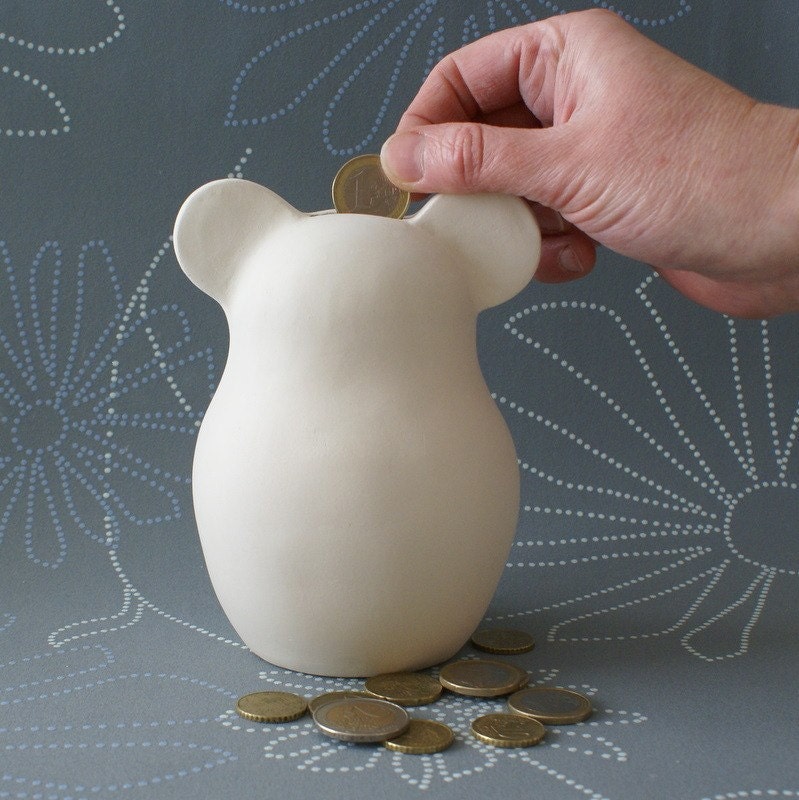
Cute Ceramic Piggy Bank by ArtMind

Non-paying buyers (NPBs) are a bit of an issue on Etsy. It can be rather frustrating to get excited about making a sale and then end up having to cancel the order because payment never comes through.

Fortunately, there are a few things you can do to reduce your NPB rate.

1) Contact the customer
It can be a good idea to contact the customer if you haven't received payment within a few days. They may not realise that they haven't paid yet- the etsy checkout process can be confusing for some buyers, and sometimes there are bugs. If your buyer is new to etsy, sending a polite email (rather than convo) can be a good way of contacting them- many buyers who are not experienced etsy users do not check their convos and may not see your message.

2) Assist with the payment process
When contacting your buyer, it might be helpful to provide them with instructions on how to pay in case they are having difficulty with that aspect. This link walks buyers through the different stages of checkout.

3) Send a PayPal invoice
Another thing you can do is to send your buyer a PayPal invoice directly. To do this, sign into your PayPal account and click on the 'request money' link, then fill out the required details. This can be a good approach if buyers are having trouble making payment or if they need a reminder.

If you don't hear back from the buyer after trying these things, you can cancel the transaction from within 'your etsy' so that you get your etsy fees back.

One important thing to note- the etsy system isn't perfect, so sometimes orders have actually been paid for but are not marked by etsy as 'payment received'. It's always a good idea to check your PayPal account in case payment has actually been made.



Connect with me on facebook

Saturday, May 29, 2010

Quick Tips: Ask buyers how they found you during PayPal checkout

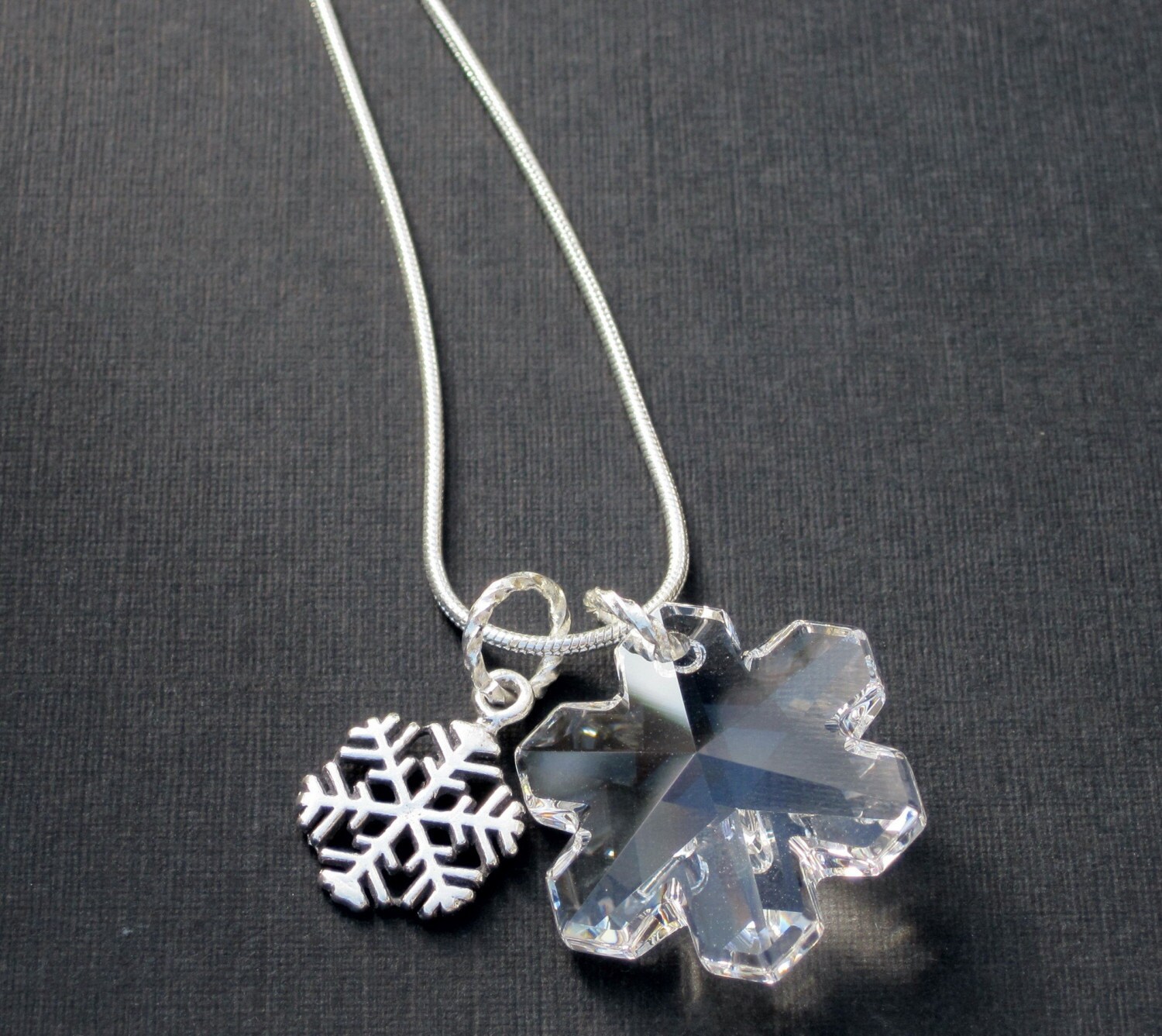
Winter Wonderland Snowflake Necklace by sassybellewares


I came across this very useful post by sassybellewares in the etsy forums, and thought I'd share it here.

Within PayPal, you can set up the payment page that buyers see during checkout so that a question is included asking buyers how they found you (or asking a different question). You can then offer 5 responses to choose from (eg browsing etsy, google, facebook or twitter, word of mouth, other).

That information could be extremely valuable in helping you promote your shop more effectively!

Here are the instructions sassybellewares provided:
1) Login to your PayPal account
2) Under "my account" click "profile"

3) Under "selling preferences" click "custom payment pages", then click "options" and go to "merchant service options"
4) Check "add a customer service survey" and fill in the blanks*

5) Make sure you click "SAVE" before you exit


* I used "How did you find SassyBelleWares" for my question. I though using my shop name rather than just "us" or "me" might help them remember my shop better for next time.

. . . . . .

I'm trying it out with my shop- hopefully some buyers will fill it out! I assume the information shows up on the payment notification that sellers receive from PayPal, but I haven't tested it yet.


laser cut jewelry
Connect with me on facebook

Sunday, April 11, 2010

Quick Tips: How to get a Shorter Custom URL for Your Facebook Fan Page

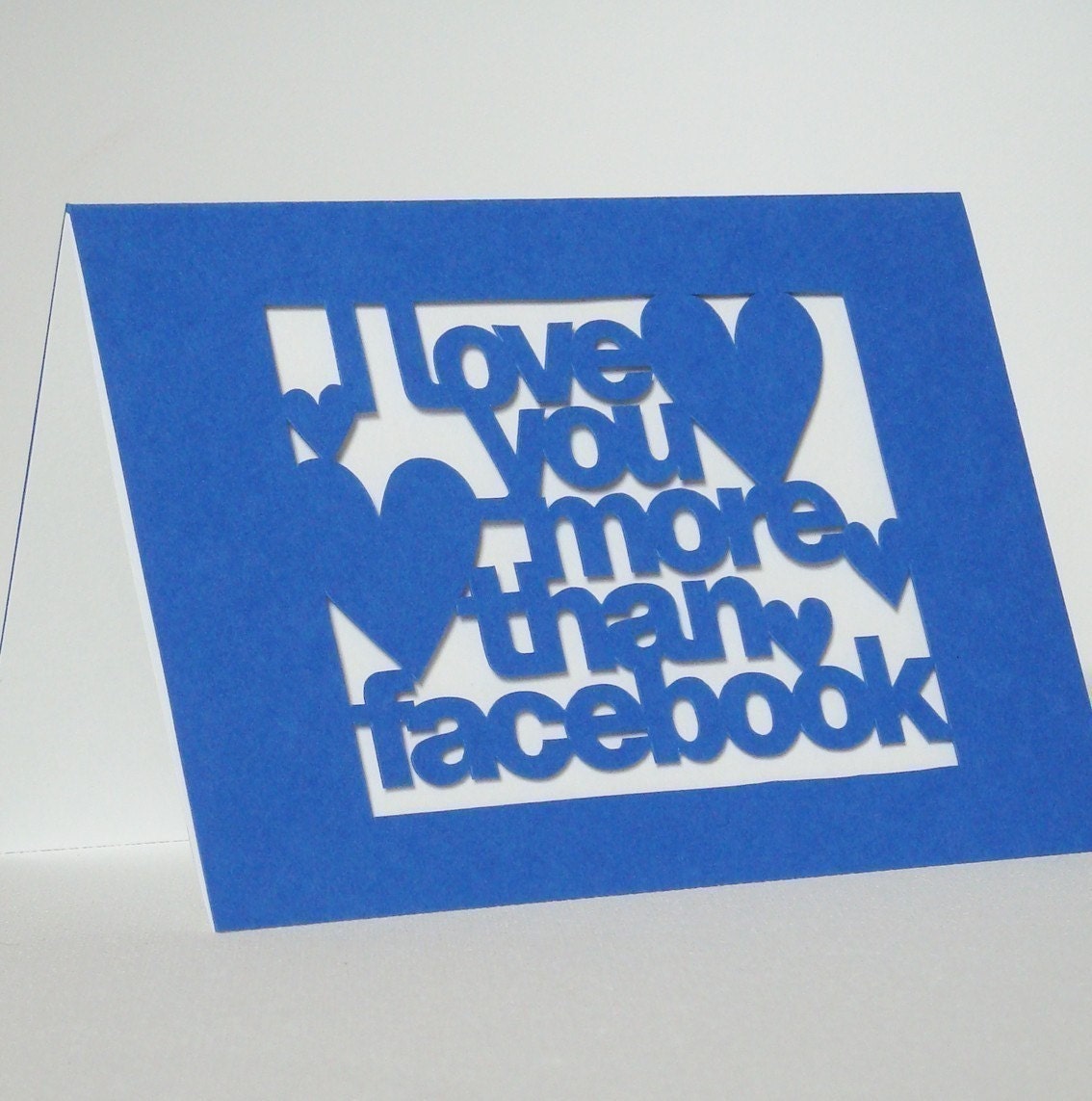
facebook cardHand Cut 'I Love You More Than Facebook' Card by Storeyshop

When you set up a facebook fan page, the URL assigned to your page contains the name of your page and a bunch of numbers. This post explains how to get rid of the messy numbers so that you have a more professional URL to direct people to, like my facebook fan page address ->
http://www.facebook.com/morphologica

To do this, you only need to have 25 fans (it used to be 100).

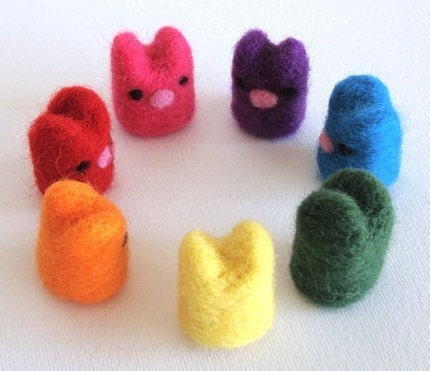
rainbow bunniesCrayola Rainbow Bunnies by MoontsyAndFloontsy


Instructions:
Go to http://www.facebook.com/username but be careful with this next bit- you want to set a username for your page and not for your personal facebook profile, and this can't be changed once you've set it. There should be an option towards the bottom of the info that allows you to choose to set a username for your page.

Now you'll have an address for your fan page that looks more professional and is easier to share!


laser cut jewelry

Friday, March 12, 2010

Quick Tips: Free Blog Buttons

Vintage Button Brooch by sheepsclothing


Ever wondered where to find all of those free blog buttons (facebook, twitter, share this etc)? When setting up my blogs I had to go hunting all over the internet, so I thought it might save others some virtual legwork if I put together a list!

#1 Share this blog post on twitter, facebook, stumbleupon, myspace etc
This button is available in different formats at addthis and easily allows your readers to share blog posts they like. You can see an example at the bottom of this blog post where it says 'share' with the little icons (and please feel free to share the post if you find it useful!) :)


#2 Suggest other blog posts you've written that might interest your readers
Don't waste older content- LinkWithin suggests previous blog posts that readers might like by presenting thumbnail pictures at the bottom of each blog post. You can see an example on my other blog TheAustralianEtsyBlog.


#3 Add code for a blog button that your blog readers can use
At the bottom of the right side panel on this blog you can see two EtsyBusinessTips buttons for blog readers or featured sellers to use. The code to add the buttons is provided underneath so that people can easily copy the code and paste it into an html blogger widget for their sidebar so that they can share your blog (with a link to your site). Instructions for how to create one for your own blog can be found here.


#4 Free 'Follow Me' Twitter Buttons
One source for lots of different choices of Twitter buttons is TwitterButtons. There's a list of other places to find cool buttons and widgets that display your latest tweets here.


#5 Add a Facebook Fan Page Box to your blog
You can easily add a facebook box (like mine on the right side bar) that allows people to become fans of your page without leaving your blog! The link is here (you will need to login).


#6 A variety of blog buttons and blinkies
Here are a few sites with random/cutesy free buttons and blinkies (although a google search will bring up many more): ShabbyBlogs, AprilShowersBlogDesign, myonecuteblog, thecutestblogontheblock.


#7 Etsy buttons and galleries
Adding a mini etsy gallery is easy- just go to 'your etsy' and find the 'promote' section on your left side panel, and there are intructions for adding an etsy mini (if you're interested in tracking visits through an etsy mini with google analytics, you should read this).
You can also add a scrolling etsy gallery that allows people to add your items to their cart by clicking through from your blog. To add this, go to http://cr8tivity.com and type in your Etsy username. Then go to 'helpers' then 'widgets'. Copy and paste the longer code into your blog side bar in an html widget. You can see an example of one of these scrolling galleries on my other blog TheAustralianEtsyBlog.
You can also find some etsy badges here on the etsy community pages.


#8 RSS feed subscription buttons, email subscription forms, subscription counters
These can all be set up from within feedburner
Subscribe in a reader


#9 Allow readers to submit their links (eg for giveaway lists etc)

You can add a widget through MrLinky so that readers can add a link and details


#10 Ask for suggestions for blog topics etc from your readers
I have a box on the right side panel to allow people to submit their etsy business questions so that I can answer them through this blog. To add a similar box, visit Skribit.
Skribit.com


....and there are lots more! Please feel free to share sources for your favourite blog buttons in the comments!

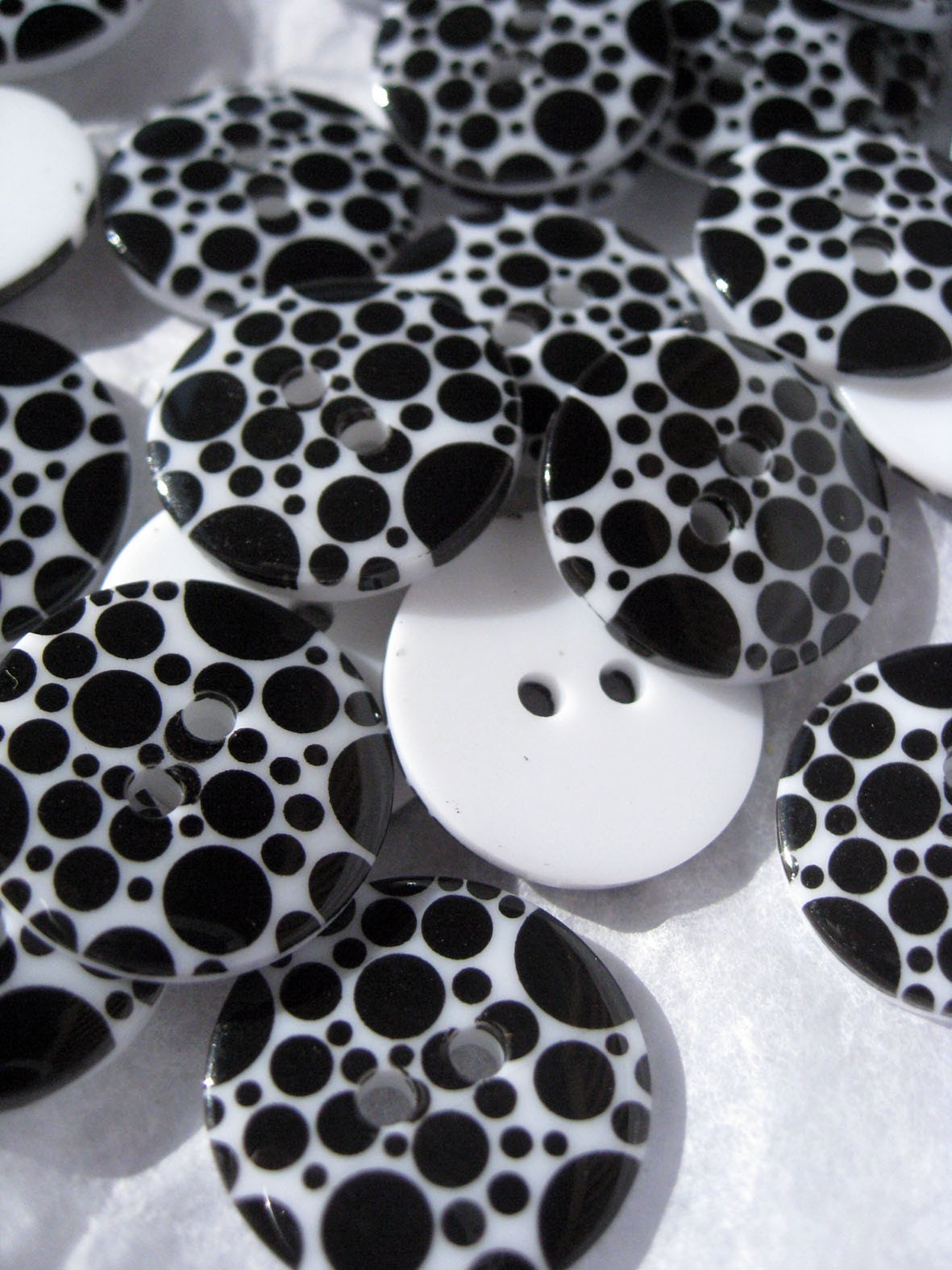
Hocus Pocus Black Circles on White Buttons from VoodooRabbit


Related Posts with Thumbnails