Showing posts with label facebook. Show all posts

Thursday, November 11, 2010

The Brilliant Marketing Tricks Blog Series

Don't miss out on this! Some of the big creative entrepreneurs on the interwebs are getting together to present a Brilliant Marketing Tricks Blog series this week and next.

Here's a list of all the events, provided by Tim Adam:

Monday Nov 8: Introduction to the Blog Series – Mayi Carles from heartmade
http://www.heartmadeblog.com/blog/introducing-the-brilliant-marketing-tricks-blog-series

Tuesday Nov 9: E-books – Tim Adam from Handmadeology
http://www.handmadeology.com/e-bookology-the-formula-for-a-killer-e-book/

Wednesday Nov 10: Collaboratives – April Bowles from Blacksburgbelle
http://www.blacksburgbelle.com/2010/11/why-relationships-matter-more-than-any-other-marketing-tactic/

Thursday Nov 11 (double dose): Podcast + Interviews – Srinivas Rao from The Skool of Life / Stylish Marketing
http://theskooloflife.com/wordpress/
+ PR Services for Small Independent Businesses – Jena Coray from Miss Modish
http://www.missmodish.com/

Friday Nov 12: Services + E-courses – Tara Gentile from Scoutie Girl
http://www.scoutiegirl.com/

Monday Nov 15: Online Shops – Mayi Carles from heartmade
http://www.heartmadeblog.com/

Tuesday Nov 16: Events + Shopping Parties – Mallory from Miss Malaprop
http://www.missmalaprop.com/

Wednesday Nov 17: Video – Nathalie Lussier from Raw Food Witch
http://rawfoodswitch.com/

Thursday Nov 18 (double dose): Facebook + Twitter – Irene Zuccarello from Imaginative Bloom http://www.imaginativebloom.com/

Social Photo Catalogs like Flickr + Pinterest – Nancy from Wolf and Willow
http://www.wolfandwillowblog.com/

Friday Nov 19: Building your Brand – Brittni Wood from Paper N’ Stitch
http://papernstitchblog.com/
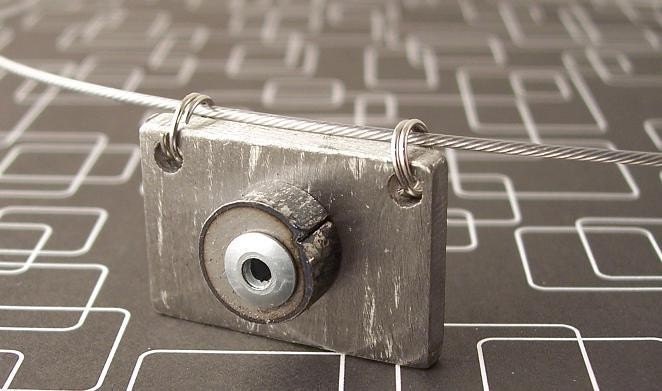

Rivet Series Camera 2 by TimothyAdamDesigns


Make more sales- subscribe to The Etsy Business Tips Newsletter

Tuesday, July 20, 2010

6 Powerful Ways To Reach Your Target Market

Shotgun Clay Pigeon Target Skeet and Trap Wall Clock by AWellDressedBullet

Following targeted users on twitter
Twitter offers a very effective way of reaching a targeted audience. The trick is to follow people in your target market, then many of those will follow you back. You can find these people using twitter searches and also by following the followers of a relevant account- if you sell children's clothing, try following the followers of a parenting mag, for example!
Detailed instructions on how to do this can be found in this article.


Running a Facebook ad
Facebook ads can be an effective way of reaching people targeted by location, interests, age etc. Facebook ads, when used effectively, can also have long-term benefits if your newly acquired fans comment on your page, because this might encourage their friends with similar interests to 'like' your page as well.
Info on running facebook ads can be found in the etsy forums.

Hand Sculpted Rainbow Circle of Friends Sculpture by MadeWithClayAndLove

Advertise on a carefully chosen blog
Sponsoring a giveaway or paying for an ad on a blog can be a good strategy. It's important to do your research on the blog, including the amount of traffic it receives/number of followers, and to think about whether it is read by your target market. I'd encourage sellers to think about blogs that are not necessarily etsy-related...if you sell wedding jewellery, a wedding blog would be a great idea!

Become an active member of a relevant forum
Forums can bring in a huge number of visits. Becoming an active member of a forum can be very effective because it gives you access to a defined group of people with particular interests, and people can get to know the person behind the business. It's important to become a genuine member and to avoid spamming the forum (many don't allow any links at all, so you need to read the rules), but if done properly this can be a great thing to do. If you sell pet products, for example, you could join a cat forum and instantly have an audience of pet-lovers!

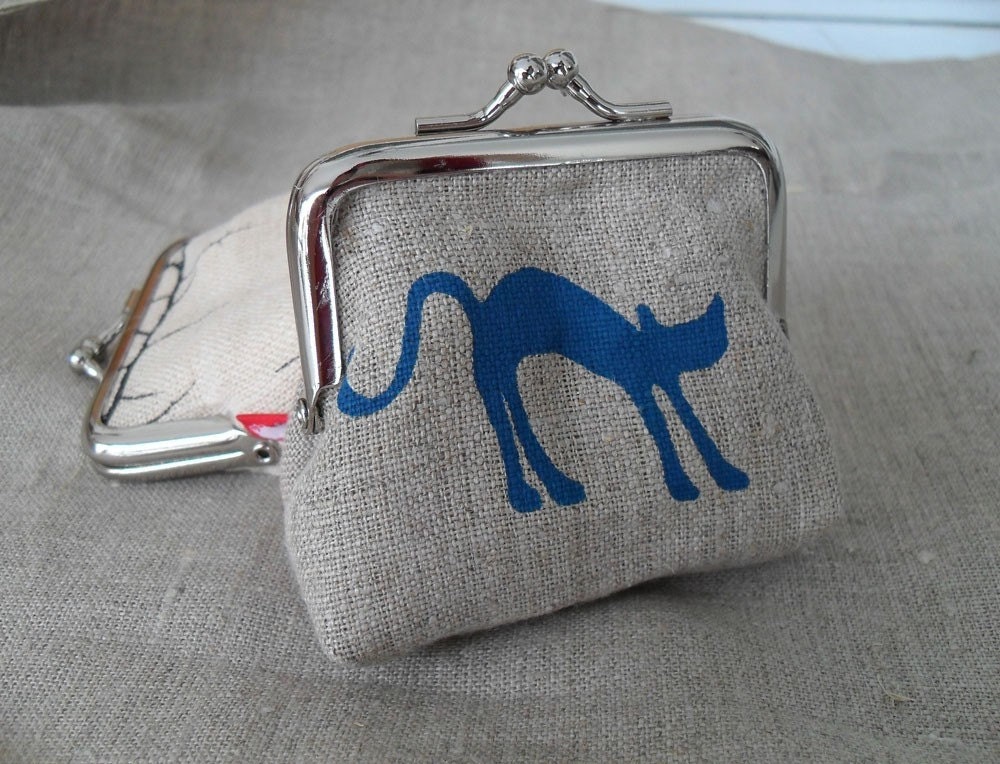
Mini Coin Purse by BlueGingerDesigns

Use Google Adwords
Google adwords is another advertising method that allows you to target users- by location and the words they're using in search. The google keywords tool can help you come up with effective keywords for your ad campaign. If your preferred keywords are too expensive due to lots of competition, you can get creative and think of other terms that your target market might be searching for.

Donate products to a charity or local group
Of course, donating to charity is a good thing to do anyway, but it can also be a good way to get your name out there to an interested audience and generate some good will towards your business. Charities and schools often auction off prizes in order to raise funds, so this can be a great way to contribute. This is rather random, but I still remember the name of the jewellery business that sponsored an award night at my school over 15 years ago! Choosing a cause related to your business (eg animal rescue if you make pet products, schools if you make toys) might help you reach people in your target market (pet lovers and parents).

Have you got any suggestions for ways of reaching a target market? What has worked for you?


Connect with me on facebook

Sunday, April 11, 2010

Quick Tips: How to get a Shorter Custom URL for Your Facebook Fan Page

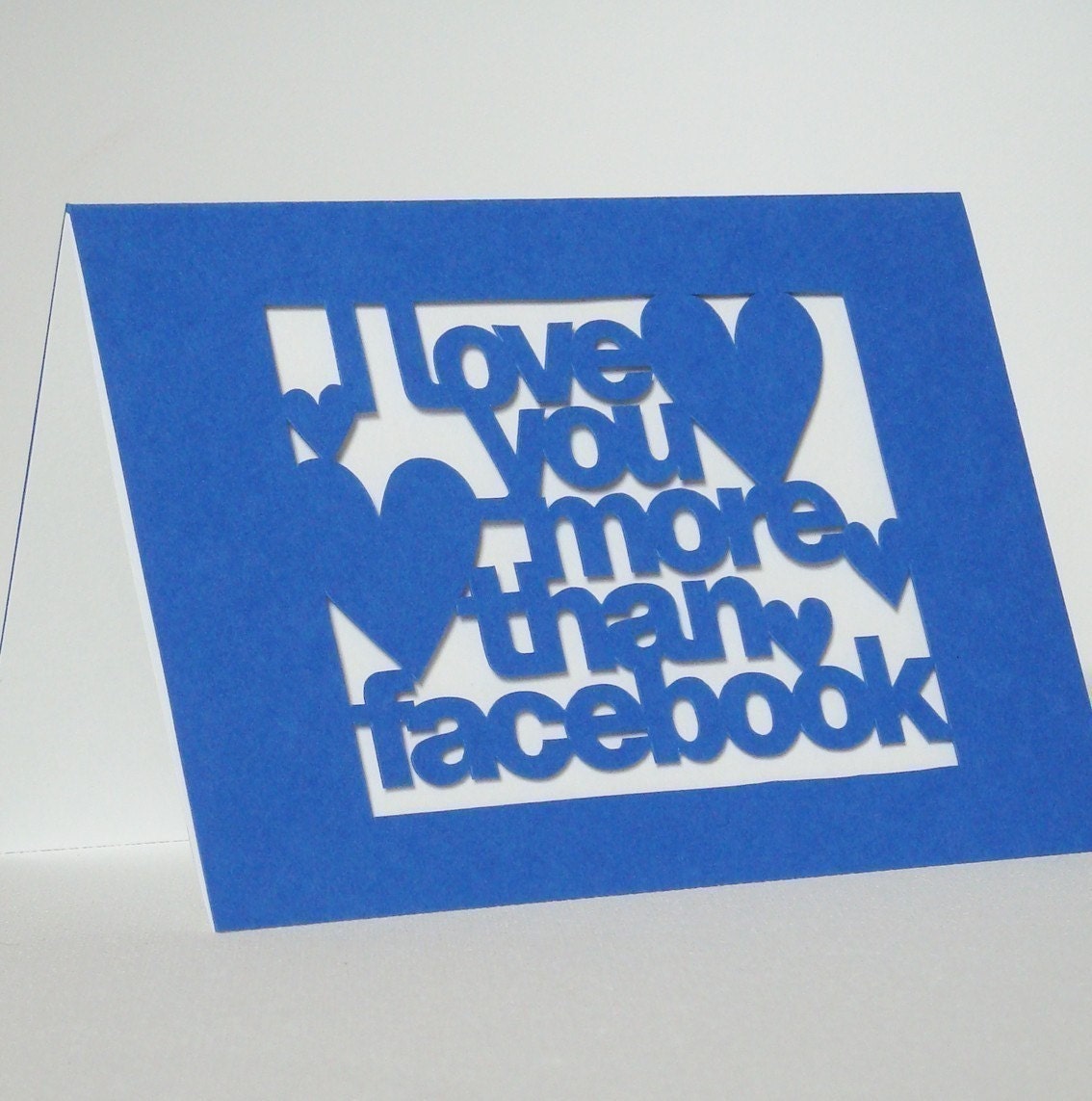
facebook cardHand Cut 'I Love You More Than Facebook' Card by Storeyshop

When you set up a facebook fan page, the URL assigned to your page contains the name of your page and a bunch of numbers. This post explains how to get rid of the messy numbers so that you have a more professional URL to direct people to, like my facebook fan page address ->
http://www.facebook.com/morphologica

To do this, you only need to have 25 fans (it used to be 100).

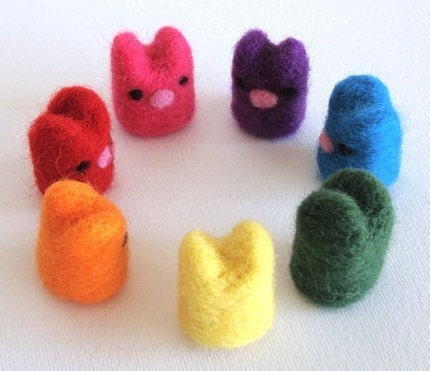
rainbow bunniesCrayola Rainbow Bunnies by MoontsyAndFloontsy


Instructions:
Go to http://www.facebook.com/username but be careful with this next bit- you want to set a username for your page and not for your personal facebook profile, and this can't be changed once you've set it. There should be an option towards the bottom of the info that allows you to choose to set a username for your page.

Now you'll have an address for your fan page that looks more professional and is easier to share!


laser cut jewelry

Friday, March 12, 2010

Quick Tips: Free Blog Buttons

Vintage Button Brooch by sheepsclothing


Ever wondered where to find all of those free blog buttons (facebook, twitter, share this etc)? When setting up my blogs I had to go hunting all over the internet, so I thought it might save others some virtual legwork if I put together a list!

#1 Share this blog post on twitter, facebook, stumbleupon, myspace etc
This button is available in different formats at addthis and easily allows your readers to share blog posts they like. You can see an example at the bottom of this blog post where it says 'share' with the little icons (and please feel free to share the post if you find it useful!) :)


#2 Suggest other blog posts you've written that might interest your readers
Don't waste older content- LinkWithin suggests previous blog posts that readers might like by presenting thumbnail pictures at the bottom of each blog post. You can see an example on my other blog TheAustralianEtsyBlog.


#3 Add code for a blog button that your blog readers can use
At the bottom of the right side panel on this blog you can see two EtsyBusinessTips buttons for blog readers or featured sellers to use. The code to add the buttons is provided underneath so that people can easily copy the code and paste it into an html blogger widget for their sidebar so that they can share your blog (with a link to your site). Instructions for how to create one for your own blog can be found here.


#4 Free 'Follow Me' Twitter Buttons
One source for lots of different choices of Twitter buttons is TwitterButtons. There's a list of other places to find cool buttons and widgets that display your latest tweets here.


#5 Add a Facebook Fan Page Box to your blog
You can easily add a facebook box (like mine on the right side bar) that allows people to become fans of your page without leaving your blog! The link is here (you will need to login).


#6 A variety of blog buttons and blinkies
Here are a few sites with random/cutesy free buttons and blinkies (although a google search will bring up many more): ShabbyBlogs, AprilShowersBlogDesign, myonecuteblog, thecutestblogontheblock.


#7 Etsy buttons and galleries
Adding a mini etsy gallery is easy- just go to 'your etsy' and find the 'promote' section on your left side panel, and there are intructions for adding an etsy mini (if you're interested in tracking visits through an etsy mini with google analytics, you should read this).
You can also add a scrolling etsy gallery that allows people to add your items to their cart by clicking through from your blog. To add this, go to http://cr8tivity.com and type in your Etsy username. Then go to 'helpers' then 'widgets'. Copy and paste the longer code into your blog side bar in an html widget. You can see an example of one of these scrolling galleries on my other blog TheAustralianEtsyBlog.
You can also find some etsy badges here on the etsy community pages.


#8 RSS feed subscription buttons, email subscription forms, subscription counters
These can all be set up from within feedburner
Subscribe in a reader


#9 Allow readers to submit their links (eg for giveaway lists etc)

You can add a widget through MrLinky so that readers can add a link and details


#10 Ask for suggestions for blog topics etc from your readers
I have a box on the right side panel to allow people to submit their etsy business questions so that I can answer them through this blog. To add a similar box, visit Skribit.
Skribit.com


....and there are lots more! Please feel free to share sources for your favourite blog buttons in the comments!

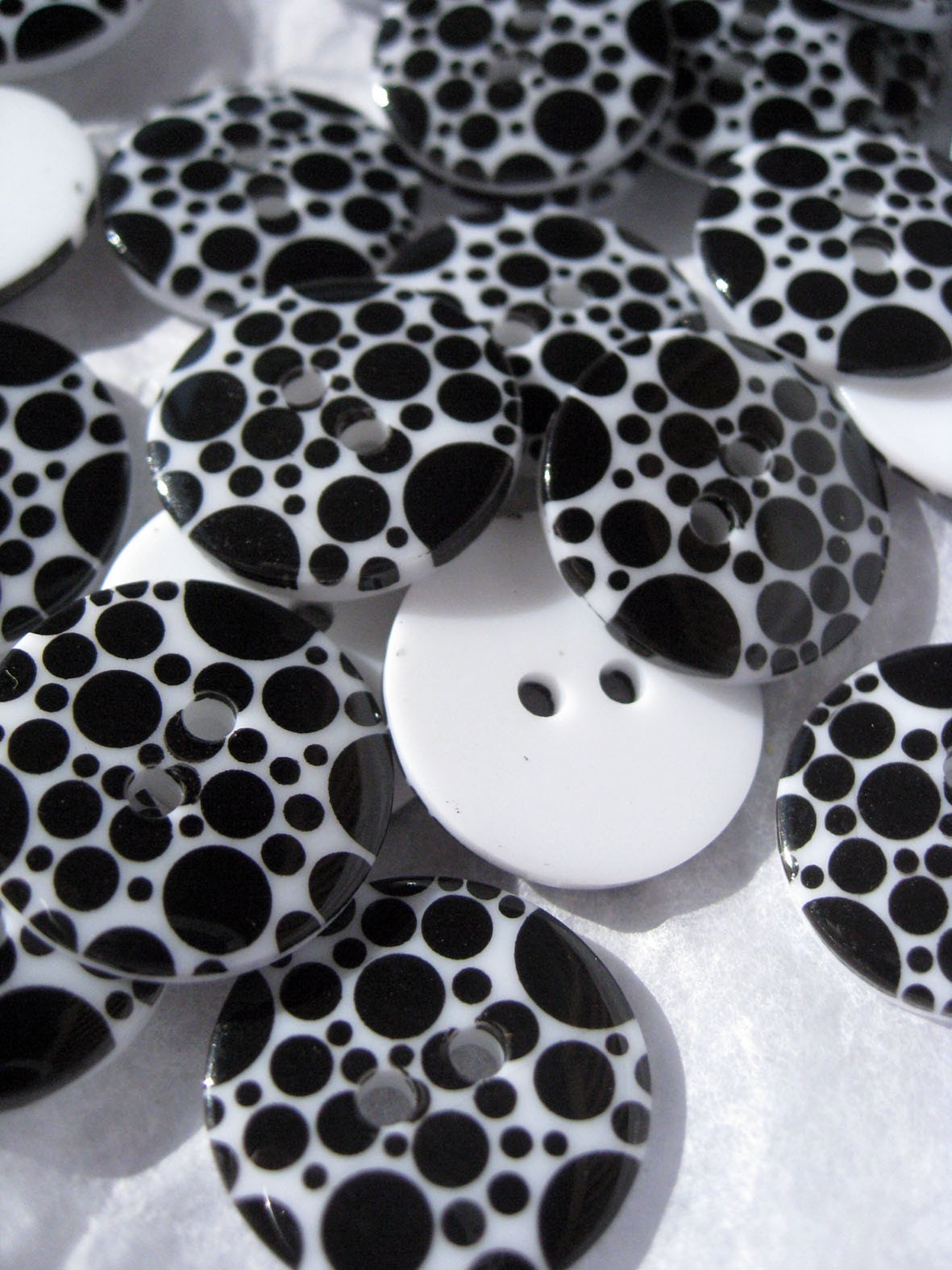
Hocus Pocus Black Circles on White Buttons from VoodooRabbit


Wednesday, March 10, 2010

Are All Your Buyers Asleep??! Scheduling Your Tweets, Blog Posts and Facebook Updates

Cinnamon Buns by SavageArtworks

As an international seller, an important issue to consider when promoting my business is the fact that many buyers (most of my target audience in fact) are fast asleep during the time when I am likely to be focusing on promotional efforts.

I am quite aware of this fact, but I'm afraid I am guilty of failing to apply this knowledge as much as I should. I do try to list at appropriate times, but most of my facebook and twitter activity naturally occurs while I am awake (and my buyers are not). While this may not be critical for some sellers, people based in the US make up over 50% of my total facebook fans, whereas Australian followers account for less than 10%, and the percentage of US buyers in my Etsy store would be considerably higher than 50%. Given that many (probably most) of my sales are driven directly and indirectly by my activity on social networks (again, this is not necessarily the case for all sellers), this could be having a huge impact on my store's success!

Fortunately, there are some great tools available for international sellers and US sellers wanting to reach an international audience.


http://ny-image1.etsy.com/il_fullxfull.128860033.jpg
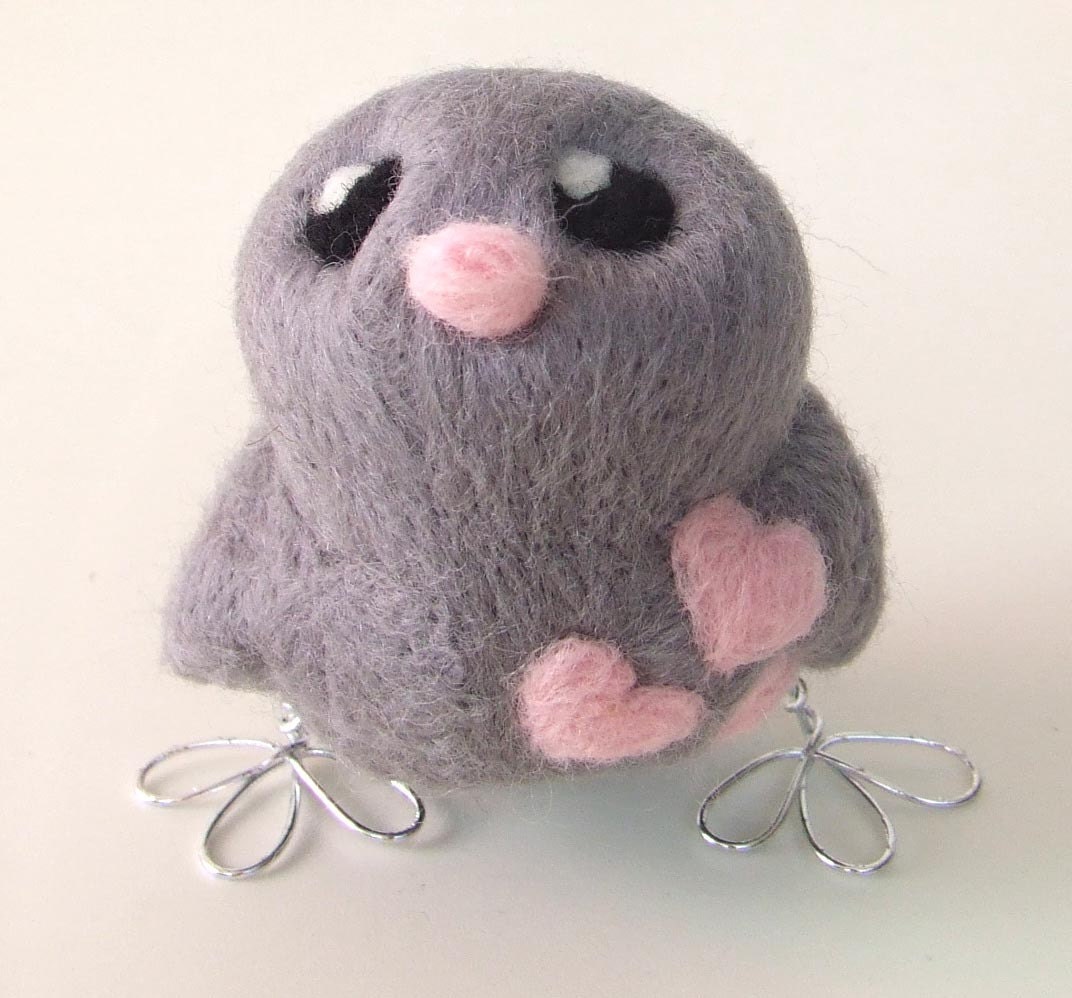
Tweet Love Bird by FeltMeUpDesigns

Scheduling Your Blog Posts, Facebook Fan Page Updates and Tweets
There are a number of applications available that allow you to schedule your posts for later timepoints. I use HootSuite to manage my twitter account and am a huge fan- you can schedule facebook fan page posts and tweets for specific times, as well as using it for normal twittery activities. A google search should bring up services similar to this (just make sure they are reputable before using them).
For blog posts, you can actually schedule blog posts in advance from within blogger itself. Down the bottom of the post you're writing there's a 'Post Options' link that allows you to set the time and date for publication of your blog post- just pick a time and click 'publish'. Make sure your blog timing settings are correct (settings-formatting in blogger).


http://ny-image2.etsy.com/il_fullxfull.128946082.jpg
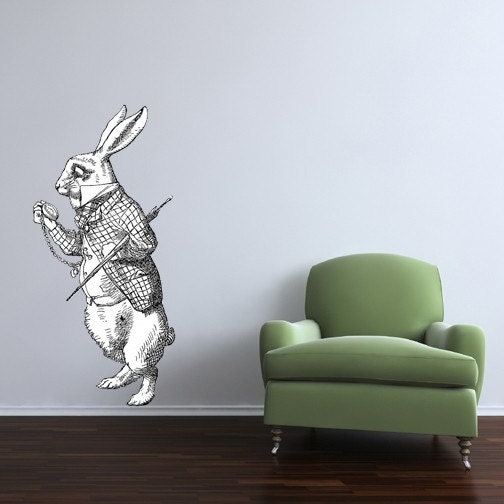
Late Rabbit Alice in Wonderland Decal by WilsonGraphics

Keep an Eye on the Time
One tricky part of this (if you are lazy if you have your mind on other important matters like I do) is calculating what time it is in other parts of the world. An easy way to convert the current time and future times is to use this Time Zone Converter. Alternatively, you could add a 'world clocks' widget to your google homepage, which would be particularly handy if you want to track times in more than one location. One more option that is even easier is to adjust your HootSuite and blogger settings so that the time is set to Etsy time (NY time)- obviously in the case of your blog you need to consider whether your audience is local or international if your posts display a time stamp.


http://ny-image0.etsy.com/il_fullxfull.122874124.jpg
Geared Up Suspension
Steampunk Filigree and Watch Movement Necklace by Bellalili

Additional Tip
To help you plan and evaluate the effectiveness of any changes you make in terms of scheduling your promotion, you can track which times of day are best in terms of visits to your Etsy store. To see when people are visiting your store, click on the 'Visitors' tab on the left within google analytics, then click on 'Visitor Trending'. Next, click on 'Visits' and change the time displayed from daily to hourly (there's a little clock icon above the displayed graph). This will tell you when people are visiting your shop.


Connect with me on facebook
Related Posts with Thumbnails